
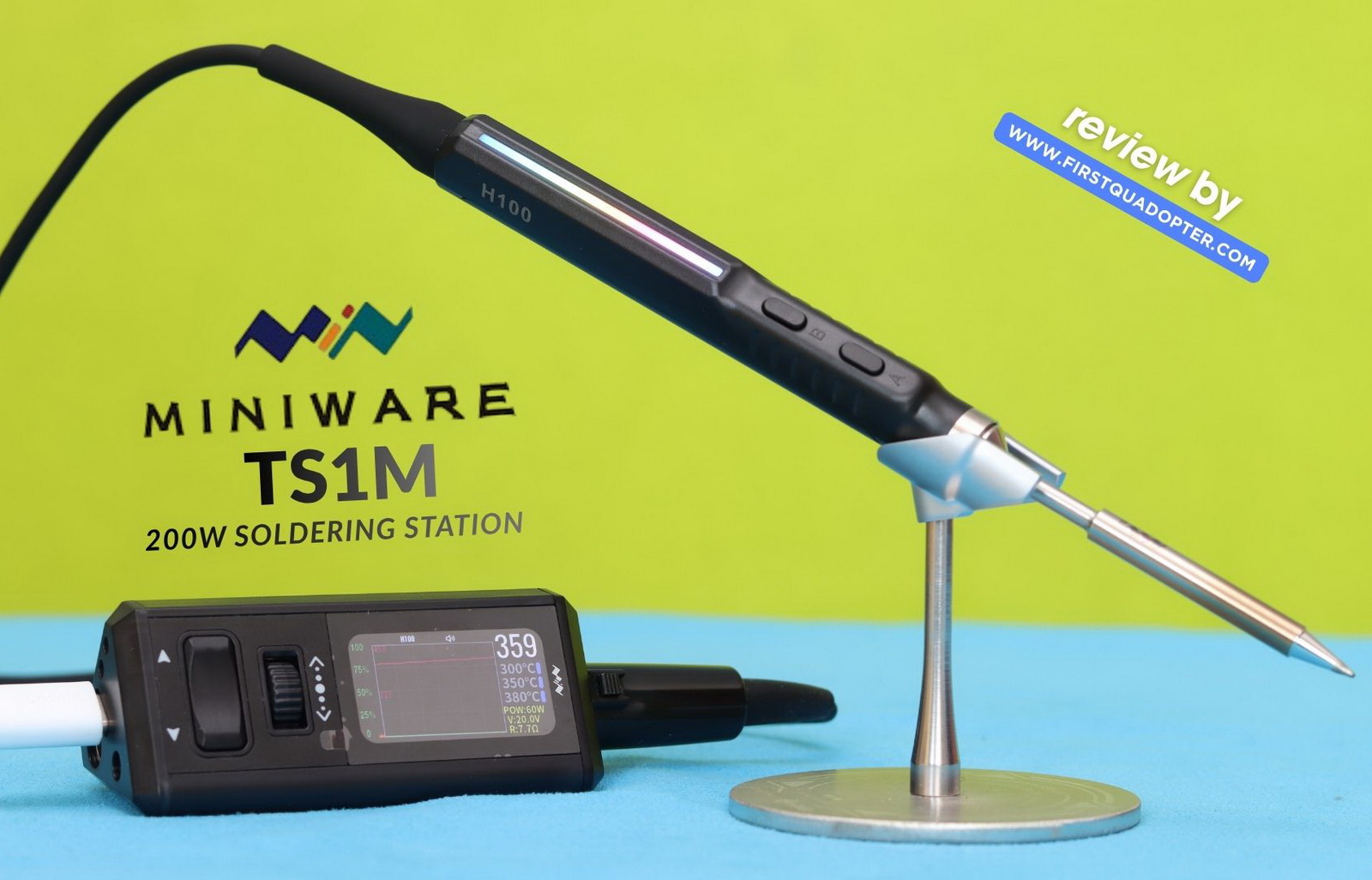
Back in the 2000s, when I was building my own Class A amplifier, I used a bulky soldering station—just like most on the market at the time. Twenty years later, while building FPV drones, I switched to a pen-type TS101 soldering iron—a huge leap in terms of size and portability. The MINIWARE TS1M soldering station seems to offer the perfect balance between the two soldering solutions. This review will cover compatibility, performance, and usability.
The MINIWARE TS1M is an ultra-compact soldering station designed to support four types of soldering handles, offering compatibility with multiple JBC cartridge series (tips with integrated heating element and precise temperature sensor). In practice, this makes it quite flexible in terms of tip selection and fine electronics work.
Power-wise, it accepts both a 12–28V DC barrel input and USB Type-C, which adds a lot of convenience depending on your setup. Whether you’re running it from a bench power supply or a more portable source, the versatility is a clear advantage. Depending on the chosen handle and input power, it can boost up to 200W of output, which is more than enough for most electronics and FPV drone soldering tasks.
MINIWARE TS1M & H100 review
Disclosure: I received this soldering station from MiniWare (eDesign) to test it and do an in-depth review. Although the product was offered for free, all opinions in this article remain my own, with no influence from my sponsor.
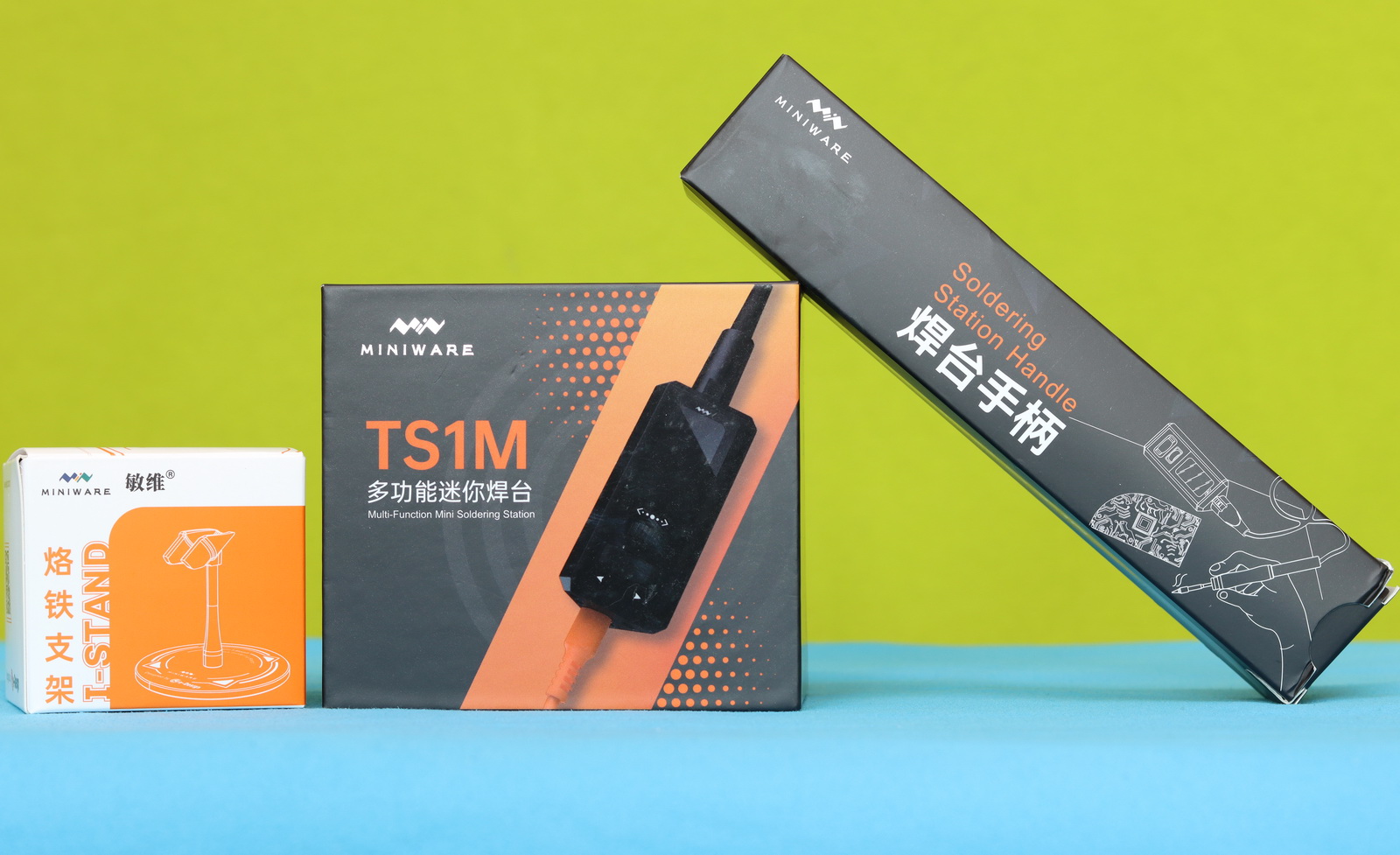
A few weeks ago, I was contacted by Joyce from MINIWARE regarding the possibility of reviewing some of their latest products. For my first pick, I chose the MINIWARE TS1M station, the H100 soldering handle, and the TS101/SA80 soldering iron stand combo.
When the package arrived, I had quite a surprise—the box contained five sets of cross-stitch kits from someone named Shane. Yes—goblen. Initially, I was confused, but after peeling off the shipping label, I discovered a different recipient with an address about 500 km away from me. I contacted the local shipping company, and fortunately, they were able to locate my actual package. Two days later, I finally had the correct parcel in hand—the one originally sent by Miniware.
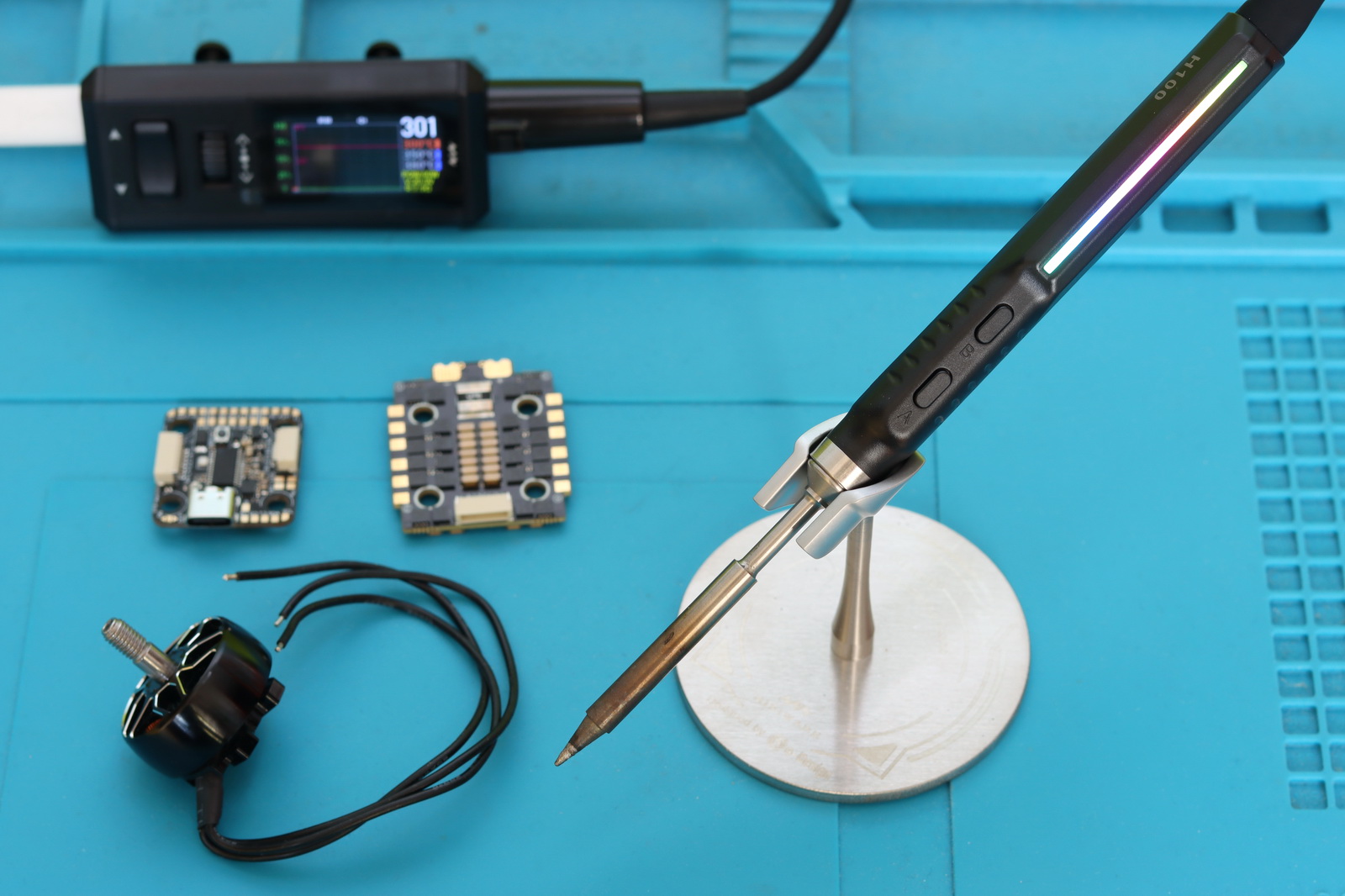
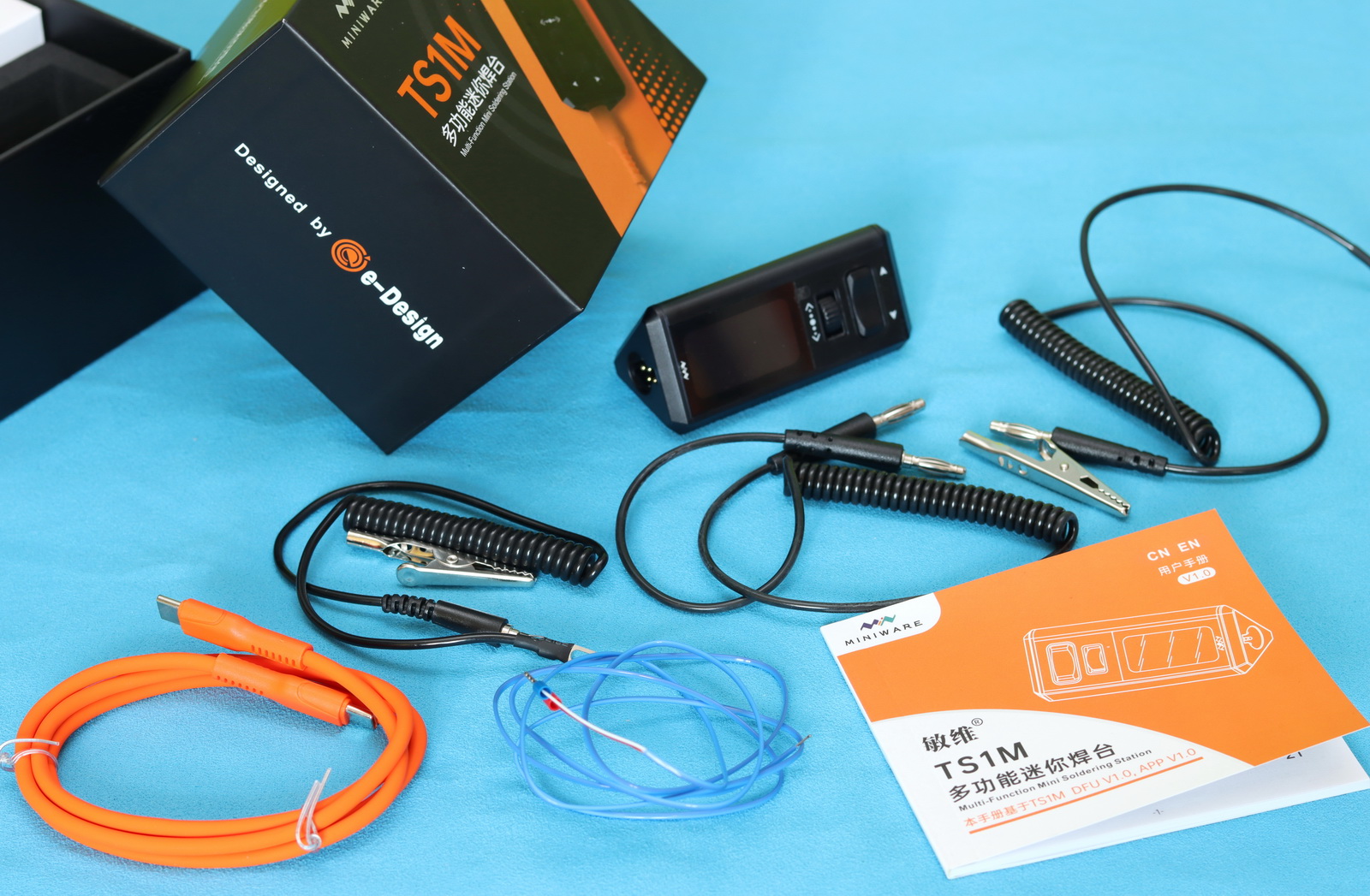
First, I opened the TS101/SA80 soldering iron stand box, which included a stainless steel stand, two sizes of soldering pen holders, and some silicone pads. Next, I unwrapped the H100 digital soldering handle, which came with a B2 tip included. Finally, I opened the TS1M box itself. The kit includes, besides the controller, a sleep wire, a grounding wire, a temperature sensor, a USB Type-C power cable, and a user manual.
At a glance
The TS1M measures 79×33.5×35.9mm and weighs around 55 grams. It has a prism form factor, a bit unusual for a soldering station. On the back edge are two screws that allow you to conveniently attach it to a pegboard above your workbench. On the front panel, there is a 1.47” OLED status/configuration display with 320 x 172 resolution, a scroll wheel, and an Up/Down push button. Controlling the unit is intuitive even without reading the user manual.
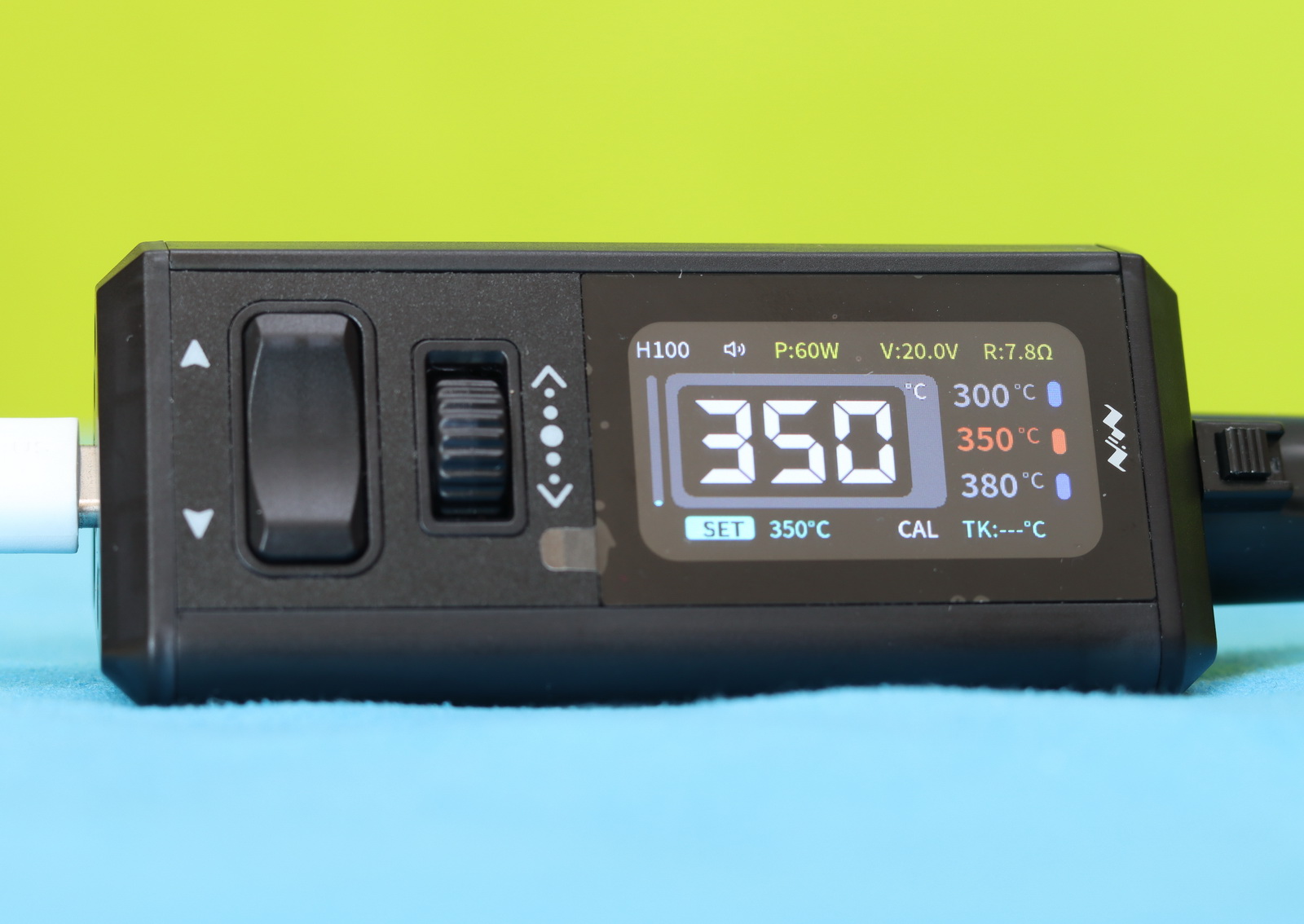
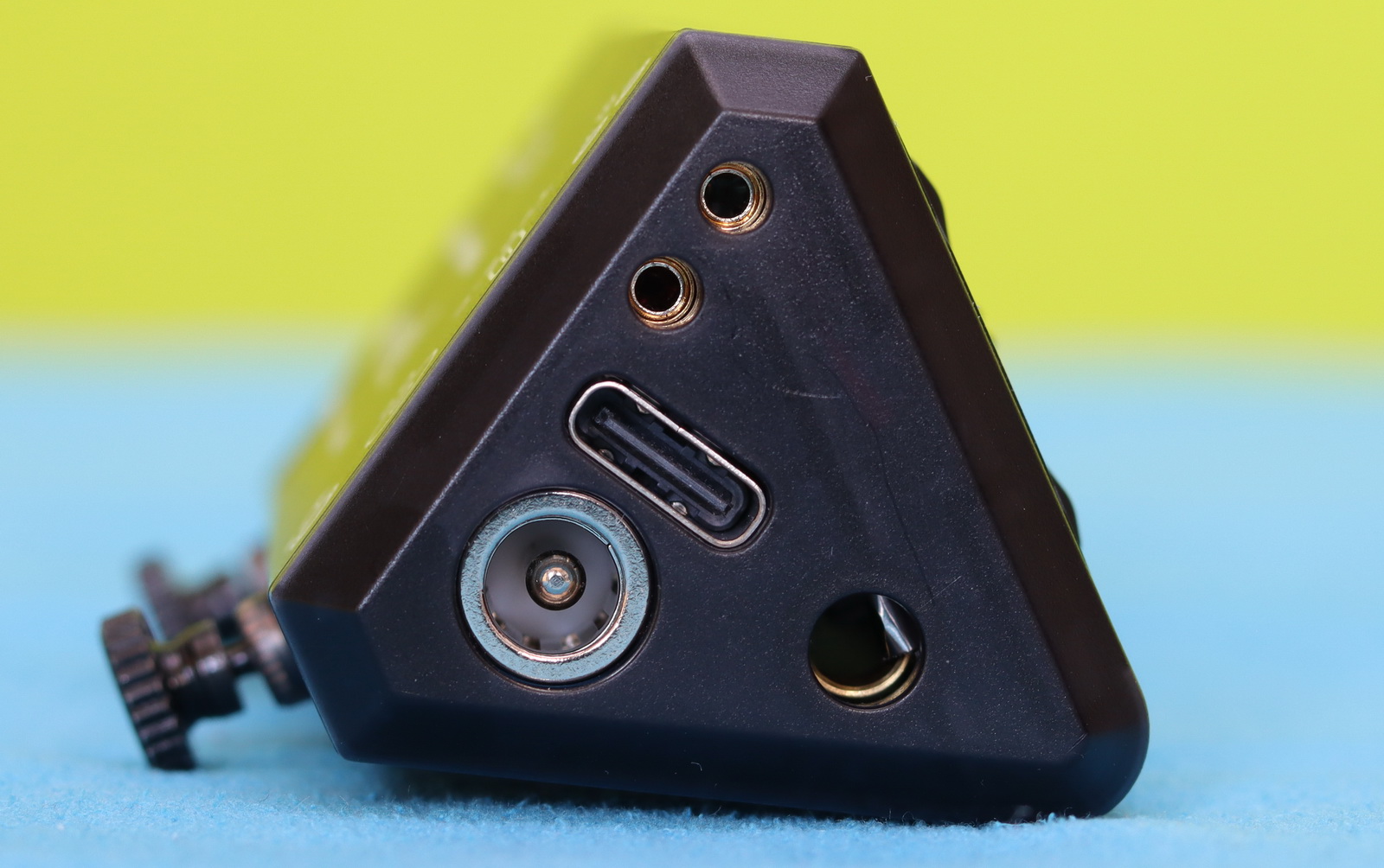
On the right side of the MINIWARE TS1M, you’ll find a 6-pin connector for attaching the soldering handle—secure and easy to use. Flip it around, and the opposite side hosts all the key inputs: a 5.5mm DC jack capable of delivering up to 200W for maximum performance, a USB Type-C port supporting up to 140W via Power Delivery (PD), along with a dedicated sleep interface and a temperature sensor port. This flexible power setup lets you choose between ultimate performance or portability, depending on your workflow.
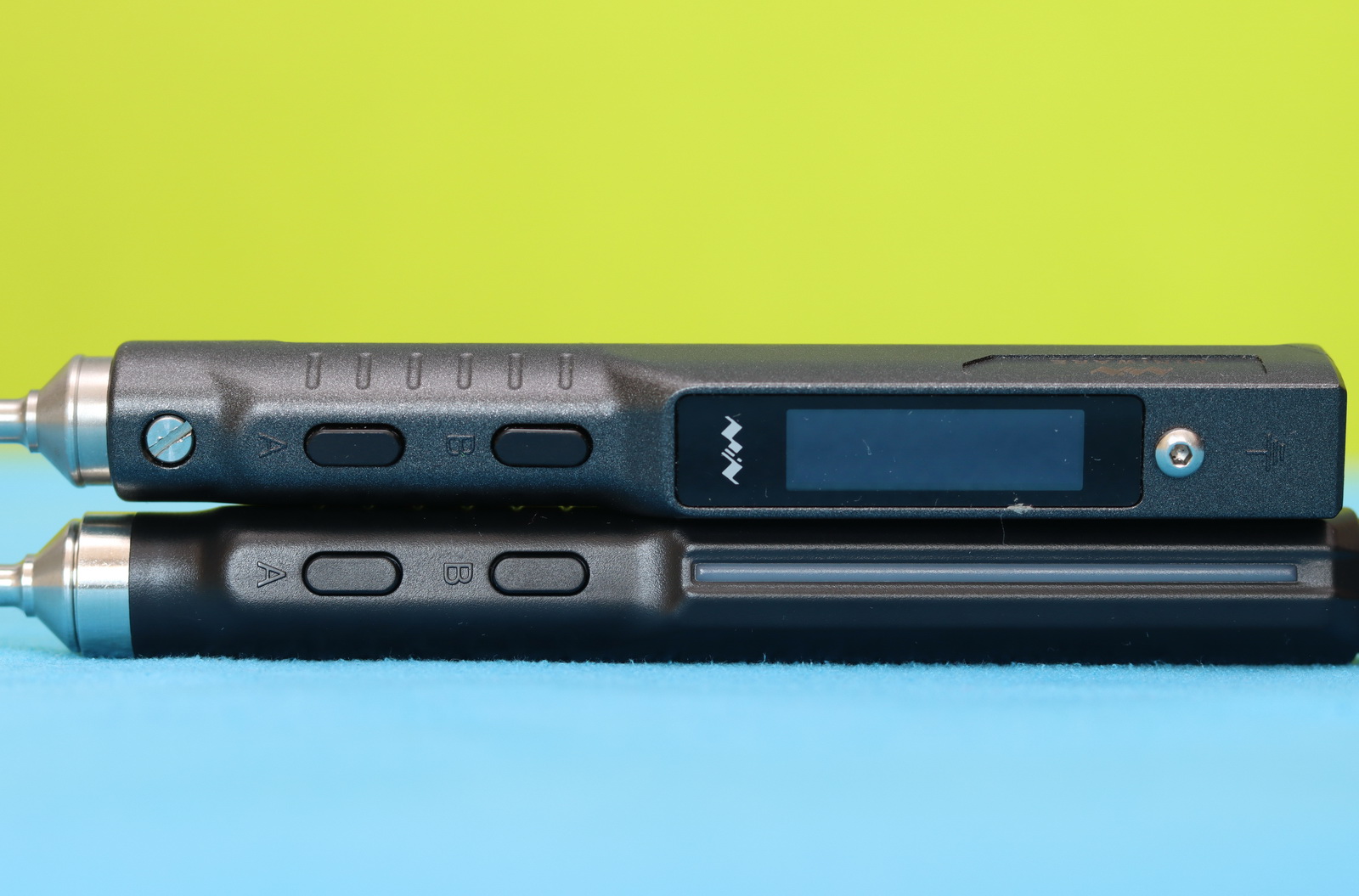
As you can see in the photo below, in terms of size and design, the H100 looks similar to the MiniWare TS101. Both have two control buttons and are compatible with the same type of soldering tip (active cartridge). As a design element, the H100 has a cool RGB LED bar. It comes with a 1.5m long silicon wire that connects to the TS1M station through a GX12 aviation connector (6-pin).
TS1M Technical specifications
| Specifications | Details |
| Heating power | 35–200W (depending on PSU & handle) |
| Max power Input | USB-C PD 3.1: 140W DC 12–28V (5.5×2.5mm): 200W |
| Temperature Range | 100–450°C |
| Heat-up Time | ~2–3 sec to 300°C |
| Status display | 320 x 172px OLED (temp, voltage, power, waveform) |
| Supported Handles | H100 / T115 / T210 / T245 |
| Tip type | Active cartridge (C210 / C245 compatible) |
| External ports | Temperature sensor, sleep interface, and soldering handler interface |
| Dimensiones | 79×33.5×35.9mm |
| Weight | 54.4grams |
Compatibility and Use Cases
With an adjustable range of 50 °C to 450 °C, the eDesign TS1M provides ample thermal flexibility. Although the extremes are rarely needed, they make the station suitable for handling a variety of specialized solder materials.
For now, I’ve only tested it with the H110 handle, which, when paired with the B2 tip, is perfect for precise soldering tasks such as flight controller wires. However, since the power is limited to 35W for this handle, I found it difficult (slow) to solder battery plug wires to the ESC board using the TS-BC2 and TS-C4 tips.
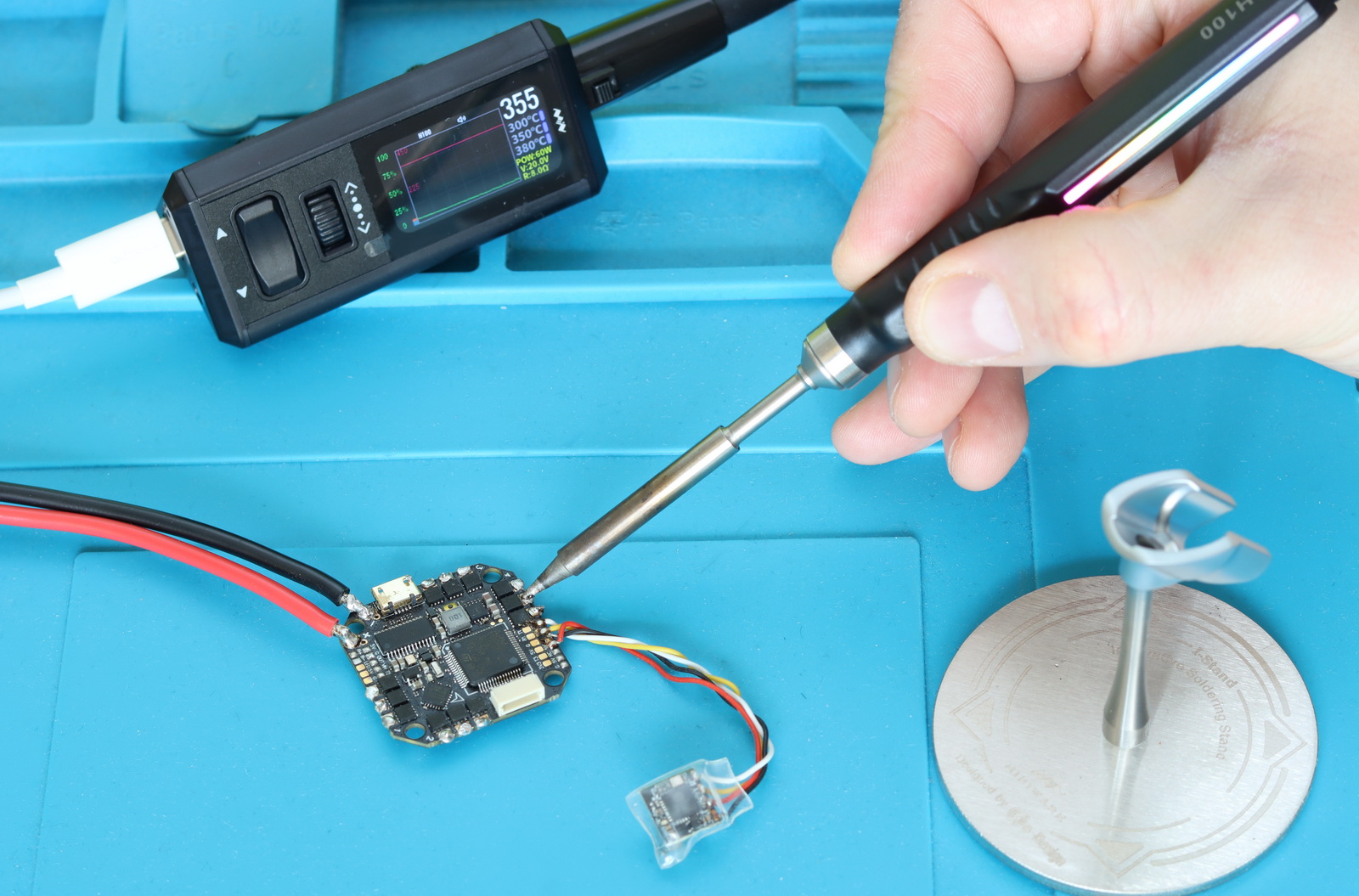
I think that for soldering tasks requiring more power—such as working on boards with thick, large copper areas—the T210 or T245 handles, which support 140-200W, would be a much better choice.
Below are the recommended cartridge series, depending on your task:
C115 – ultra-fine micro soldering
C210 – precision SMD work (small components)
C245 – general electronics / FPV / repair (very common)
C470 – high-power / large joints
Remember, the T115, T210, and T245 are analog handles that require a sleep wire between the soldering stand and the station, while the Miniware H100 digital handle features a built-in accelerometer for detecting periods of inactivity and automatically entering sleep mode. It also includes two built-in buttons (+/–) to adjust the temperature directly from the handle.
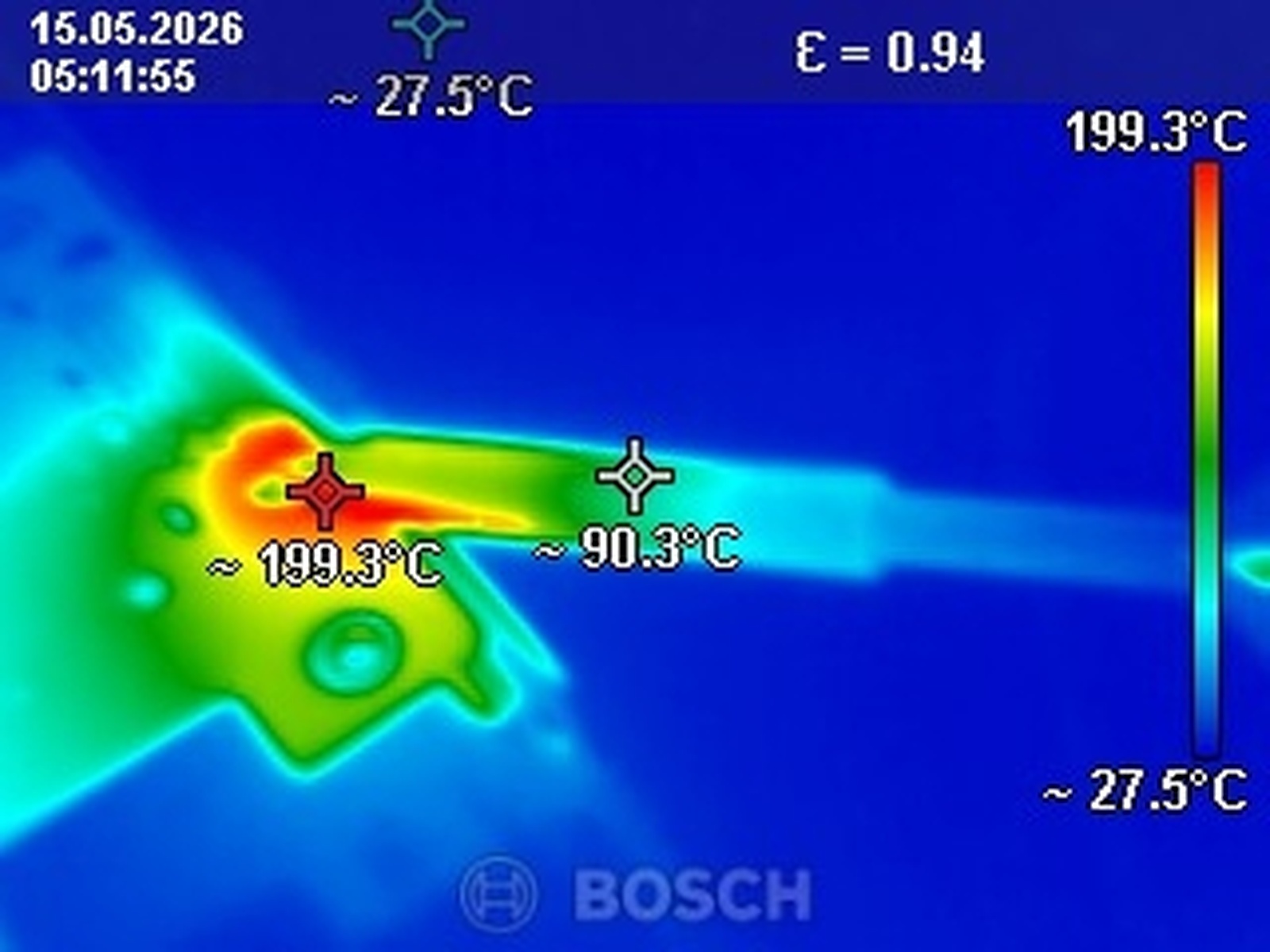
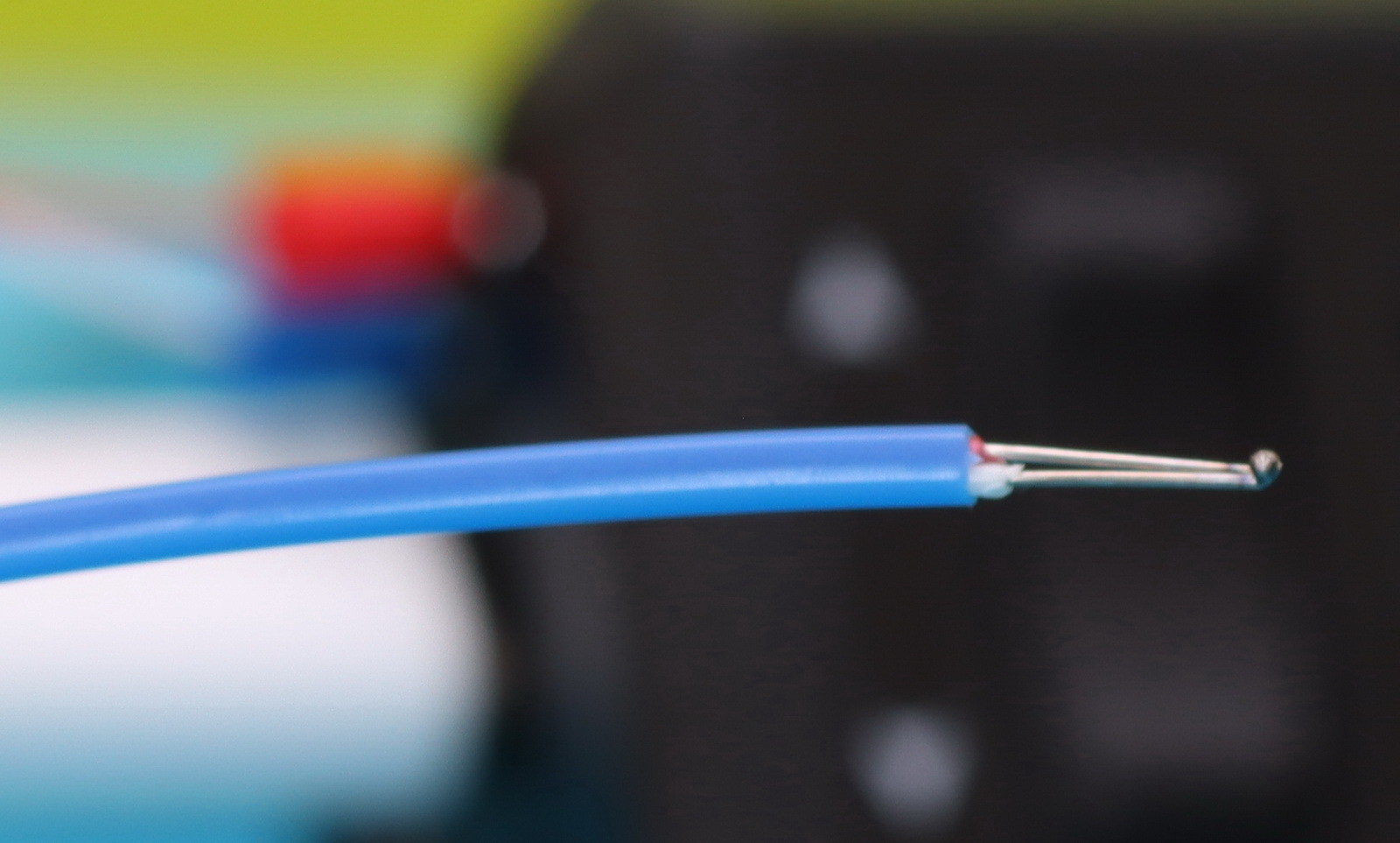
The included K-type thermocouple can be used to calibrate the tip’s internal temperature sensor or to monitor the temperature of the entire PCB—or even a specific component—during soldering. Overheating can damage sensitive components, and you know how it goes: the operation succeeded, but the patient died… 😄
Miniware TS1M vs Pen-Style Soldering Irons: Is a Full Station Worth It?
After using the TS1M soldering station for a few projects, it feels more like a tiny power horse: you get strong power delivery, stable temperature control, fast recovery, and the flexibility to run higher-wattage handles for tougher jobs like ground planes or heavier PCB work. It’s great if you stay at a bench most of the time and want consistency, precision, and less temperature drop under load.
Pen-style soldering irons, on the other hand, are all about simplicity and mobility. Everything is integrated into a single handheld tool, so you can plug in USB-C or a power adapter and start soldering immediately. Powered by a LIPO battery, they’re perfect for field repairs, quick fixes, and small electronics because they take almost no desk space and are easy to carry around. However, they usually have less thermal mass and lower sustained power, which means they can struggle more with larger joints or heat-heavy work, and temperature recovery isn’t as strong under continuous load.
Pricing and package options
Miniware products can’t be ordered directly from their website, but they are available on most platforms, such as AliExpress and Amazon, as well as through many other electronics retailers.
The TS1M is available in several kit variants, mainly differing in the number of included accessories and the handle type. Pricing can vary quite a bit depending on where you buy it, but the base package shown in this review—consisting of the control unit, essential accessories (USB cable, grounding and sleep wires, and a thermocouple), a soldering stand, and the H100 handle with a tip—typically sells for around $120.
Separate C210 and C245 handles are usually priced at about $20 each and come with a cartridge included. If you don’t have a compatible power supply, there are also bundles available with a 140W GaN charger for an additional $20.
You Can Trust Our Reviews!
Since 2014, FirstQuadcopter has reviewed, thoroughly tested, and rated hundreds of products, including drones, gimbals, power stations, action cameras, 3D printers, video lights, and other high-tech gear to help you make better buying decisions.
We don’t do paid reviews or agree to affiliate links. All products are tested fairly and equally, and if anything changes over time, I will update the written reviews.
As always, if you found this review helpful, don’t forget to like, share, comment, and bookmark for more content like this!
nice versatile soldering station” (not staiton)
Please could you recommend a compatible power source for max efficiency
Alex
Hi Alex, and welcome to my blog!
Personally, I power the station with an old 19V, 140W laptop charger. It works perfectly, and since I already had it lying around, it was a zero-cost solution.
Thank you Gyuri